Surface Registration
The surface registration tool allows the user to automatically align and superimpose 2 similar objects. The tool allows you to select a reference model, and a moving model that will be translated and rotated in order to superimpose itself in the most accurate way to the reference model.
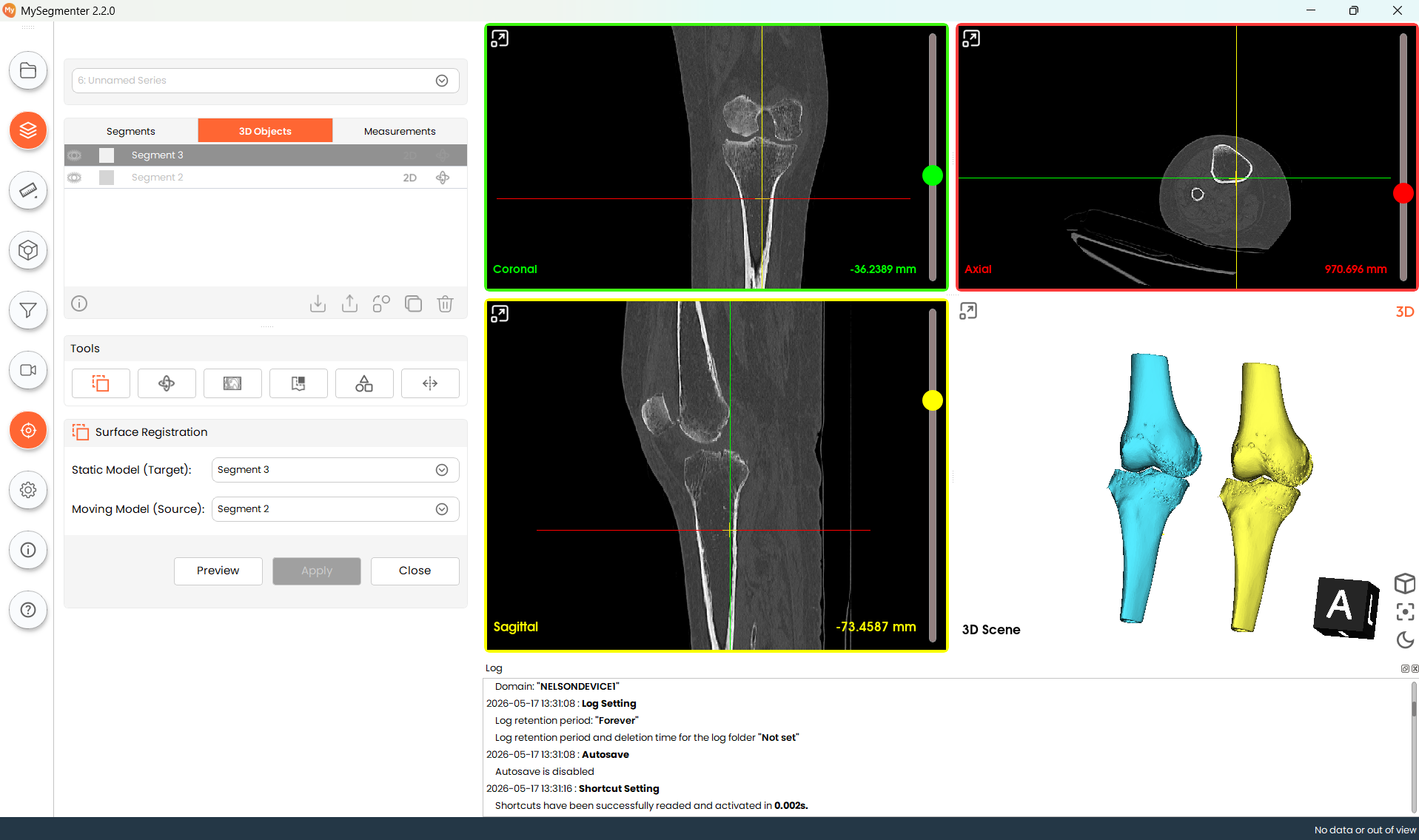
Steps
- Select static model from the dropdown menu, this will display all available 3d models in the project.
- Select the moving model from the dropdown list. This model will relocate and rotate to align itself with the static model.
- Optional: Click on the preview button to verify the final result of the transformation before application.
- Click Apply to implement the transformation on the selected 3D model.
Note: This tool is intended to align similar models, and it is not recommended for models with shape differences.